

Samsung S24 Ultra is no doubt a top end flagship smartphone. It has some very useful features that are really useful in our daily life, which makes our life easier. In this blog will try to bring as much as possible. As we keep on updating the tips and tricks in this page, keep checking the page or subscribe to our news letter to get notification.
1. How to record Selfie Video while Screen recording in Samsung S24?
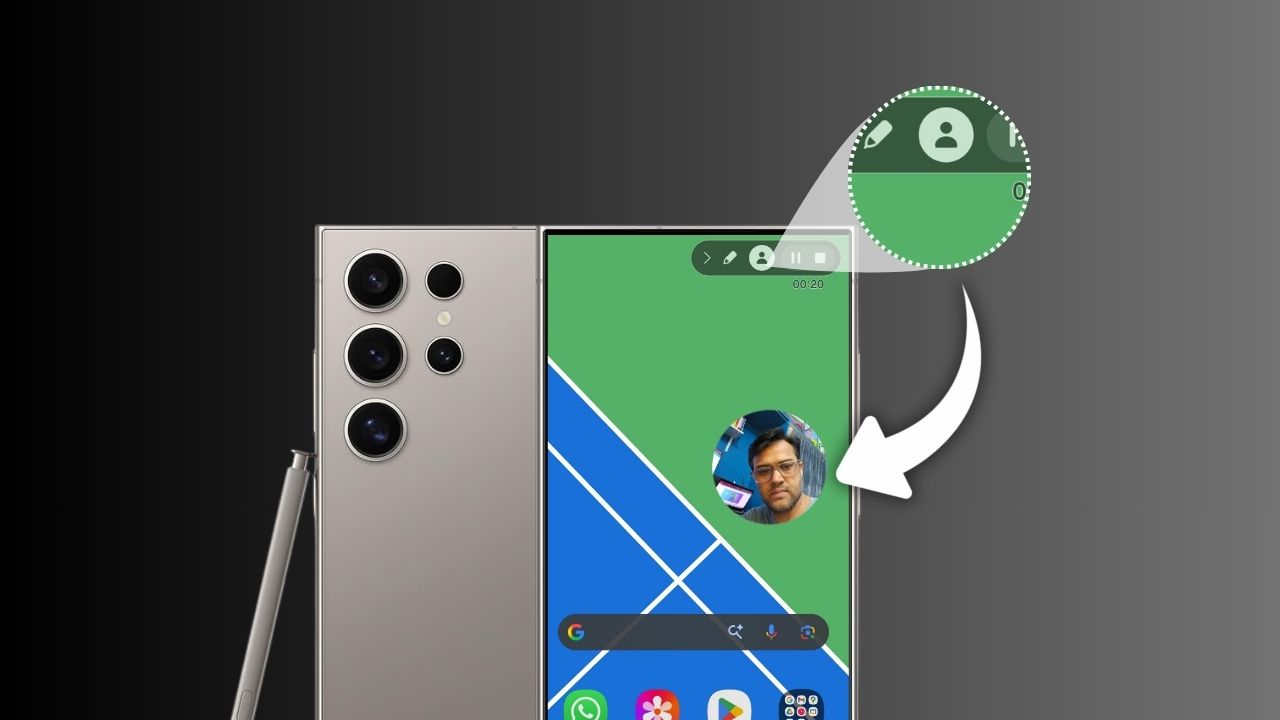
In Samsung S24 Ultra you can record selfie video while screen was recording. There is no need of recording with two cameras.

- Access the quick panel
- Click on Screen Recording
- On top click on the person icon
which enables Selfie Video. You can also move the video around the screen while recording is on.
You can also resize the selfie video
- Go to Settings
- Advanced Features
- Screenshots and screen recordings
- Scroll down to Selfie video resize
- Move the bar to resize


Also Read : Now be more emotional with your Google contacts app